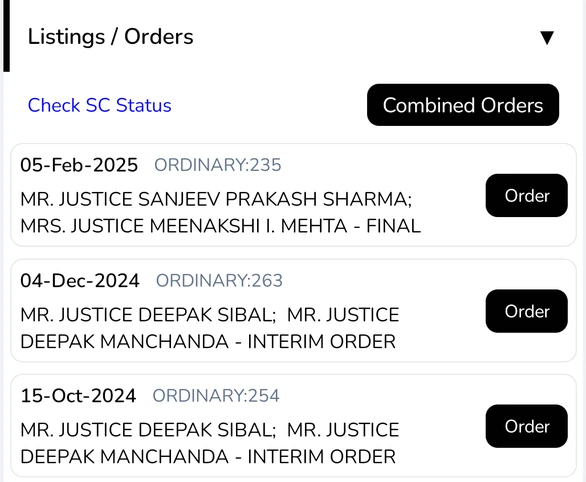
Download combined orders
- Open a case and scroll to Listings / Orders.
- Tap Combined Orders.
- Wait while the orders download. They are joined into one PDF that you can view, save, or share.
To open a single order, tap Order next to its date. See View orders and case details. To see whether an order was challenged in the Supreme Court, tap Check SC Status; see Appeals.
Plan: combined orders downloads depend on your plan. If your plan does not include them, Court Assistant tells you and suggests upgrading.
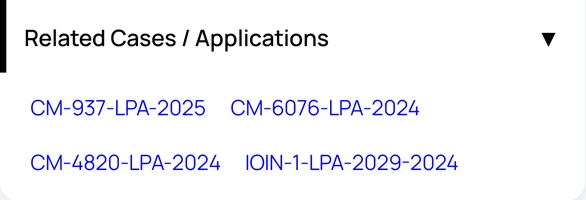
Open related cases and applications
- On the case details screen, tap Related Cases / Applications to expand it.
- Tap a case number to open that matter.
Related matters come from the court record, such as applications filed in the main case. Appeals filed against a case are covered in Appeals.