Open orders for a case
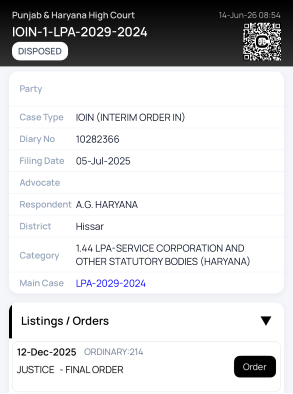
- Open a case from search, a folder, or the cause list.
- Scroll down to the Listings / Orders section.
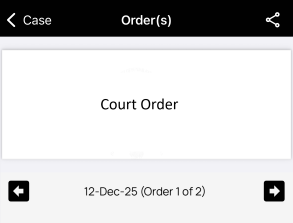
- Tap an order to view its details for that date.
What to check
- Confirm the order date before relying on the document.
- Check whether the order belongs to the correct case and court.
- Review next date and direction/relief carefully.
- Keep important observations in case notes so they are available from the case page.
When accuracy is critical
Court Assistant helps you reach information faster, but official court records remain the final source. Recheck official data before filing, arguing, or advising on sensitive matters.
Tip: Open orders from the case page when preparing arguments so case details, notes, and linked information stay close together.