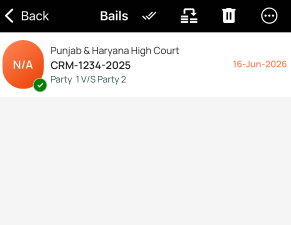
Add a case
- Open the Cases area from the app home screen.
- Tap the folder where you want to add the case.
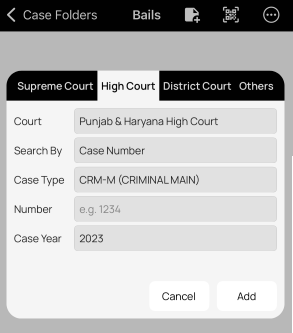
- Tap Add in the top toolbar.
- Select your court and search type, then fill in the required details.
- Tap Add button in the dialog to save the case.
Delete/Move a case
- Open the Cases area from the app home screen.
- Tap the folder containing the case you want to delete or move.
- Press and hold the case until the toolbar options appear.
- Tap Delete or Move in the top toolbar.
?? You can select multiple cases at once to delete or move them in bulk.