Tools and connection
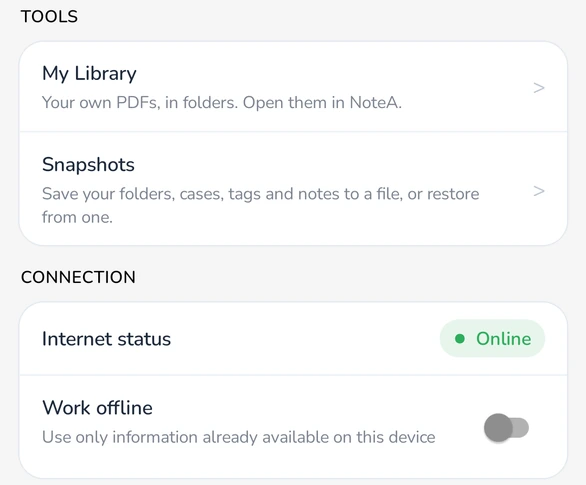
- Tools holds My Library and Snapshots, when they are available on your account.
- Internet status shows Online, No internet, or Offline mode.
- Work offline: when on, Court Assistant uses only the information already on your device and doesn't go online. It stays on until you turn it off, even after you close the app.
- Court Accounts, if shown, connects your PHHC e-Diary.
Turn on Work offline in court when the signal is poor, so cases and notes open straight from your device.
Search and documents
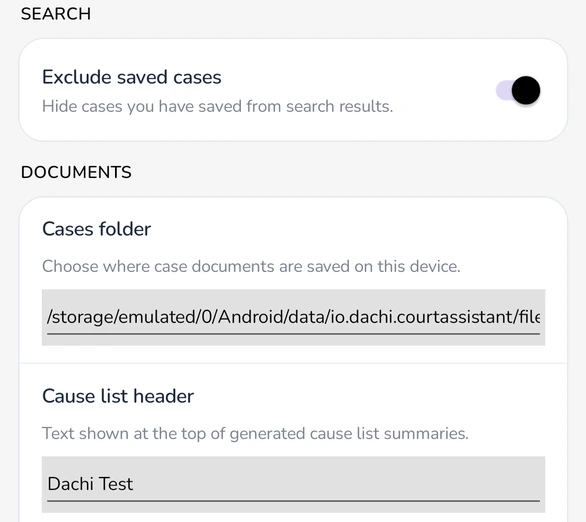
- Exclude saved cases: when on, cases that are already in your folders are left out of search results, so you only see new cases.
- Cases folder, if shown: where case documents are saved on this device.
- Cause list header: the name printed at the top of your cause list summary. It starts as your account name, and you can change it to your chamber or firm name.
The NoteA settings below these are explained in Annotate documents with NoteA.
Get help
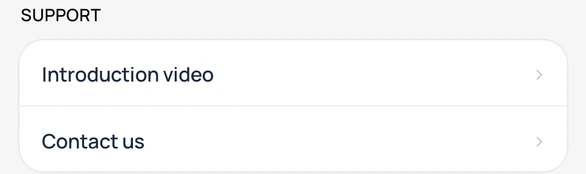
- Introduction video opens a short video tour of Court Assistant.
- Contact us opens a new email to care@dachi.io.
Your account, plan, and storage details are in the Account section at the top of Settings.